Out of stock
Stock-outs lead to lost sales and poor customer experience.
Built for merchandising, retail operations and supply-chain teams that need a simple, repeatable planning platform — not another complex ERP interface.
The problem
Stock-outs, overstock, wrong size mix and delayed planning directly affect sales, margin and working capital.
Stock-outs lead to lost sales and poor customer experience.
Excess inventory blocks working capital, consumes shelf space and increases ageing risk.
Inventory trapped at low-performing locations increases end-of-season discounting and margin erosion.
When the allocated size mix does not match the store's actual sales curve, conversion falls and unsold sizes accumulate.
Similar quantities are allocated across stores despite differences in revenue, ASP, demand and sell-through performance.
Manual planning delays decisions, reduces responsiveness and keeps working capital locked in the wrong inventory.
The shift
One guided workflow takes raw sales and inventory through to store-level decisions in a repeatable, faster cycle.
Upload masters, sales and inventory; validate data; configure rules; run planning; download outputs.
Business rules stay visible: lookback period, scope, norms, retain %, and store priorities.
Convert raw sales and inventory into ready-to-execute store-level recommendations.
Bring in your data
Standard Excel templates
Ensure accuracy & completeness
Apply your strategy
Business rules appliedGuided. Controlled. Consistent.
Recommendations. Reports. Action.
Distribute to stores
The interface
A guided step-by-step interface reduces dependence on technical teams and makes every run transparent.
Item, store, sales and inventory templates.
Mandatory checks, upload summaries and issue reports.
Business rules selected before every run.
Store x item x size recommendations ready for execution.
Planner benefit: fewer Excel iterations, faster decisions, consistent business rules and a clear audit trail for every run.
The engines
Every engine reads the same masters and transactions, so a store tier means the same thing in an allocation run as it does in a transfer run.
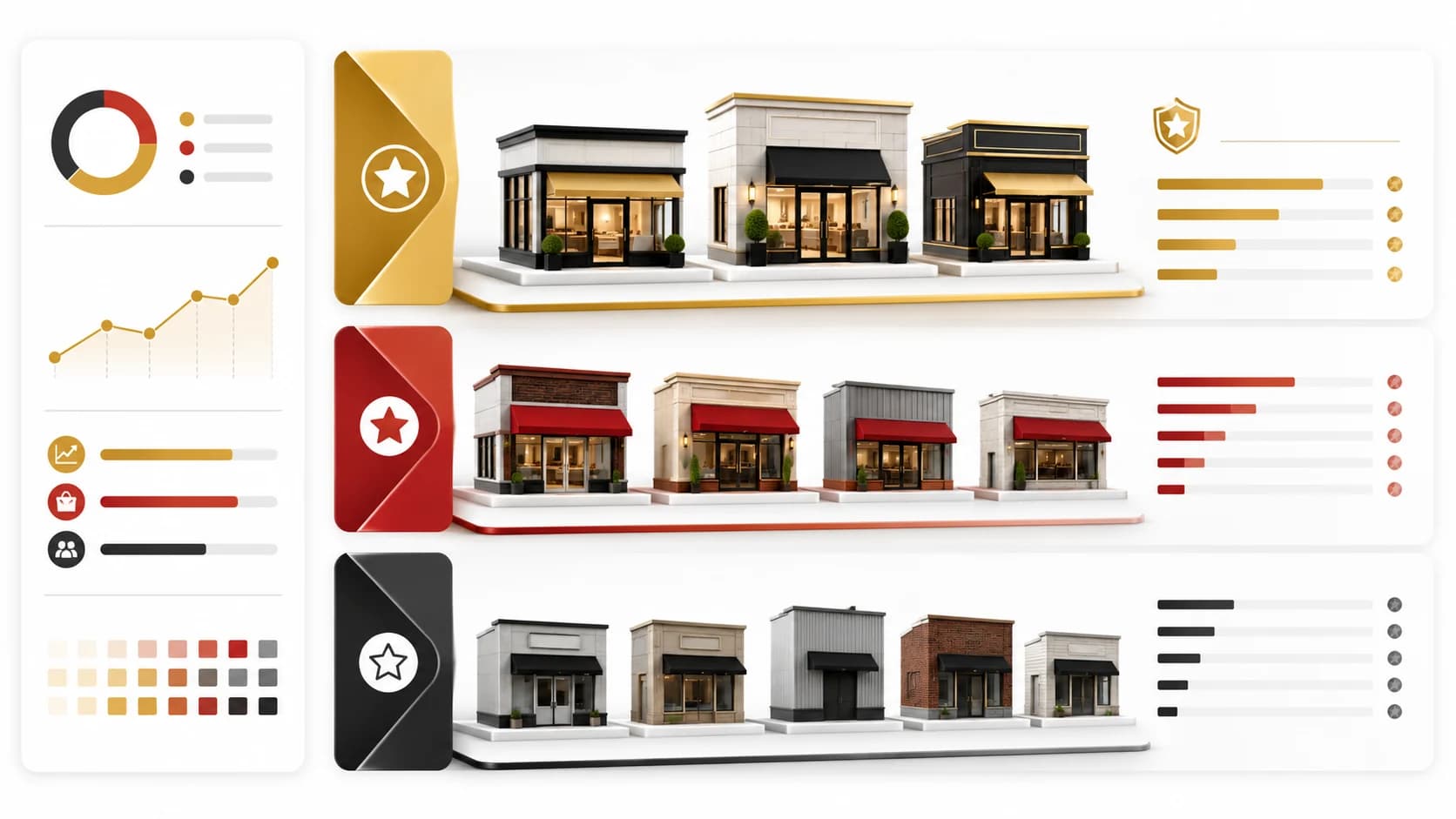
Store classification
Classifies stores using revenue, ASP and sales productivity, creating a planning base for allocation and replenishment decisions.
BenefitClassification-led planning helps determine the right assortment, inventory depth and service level for each store tier.
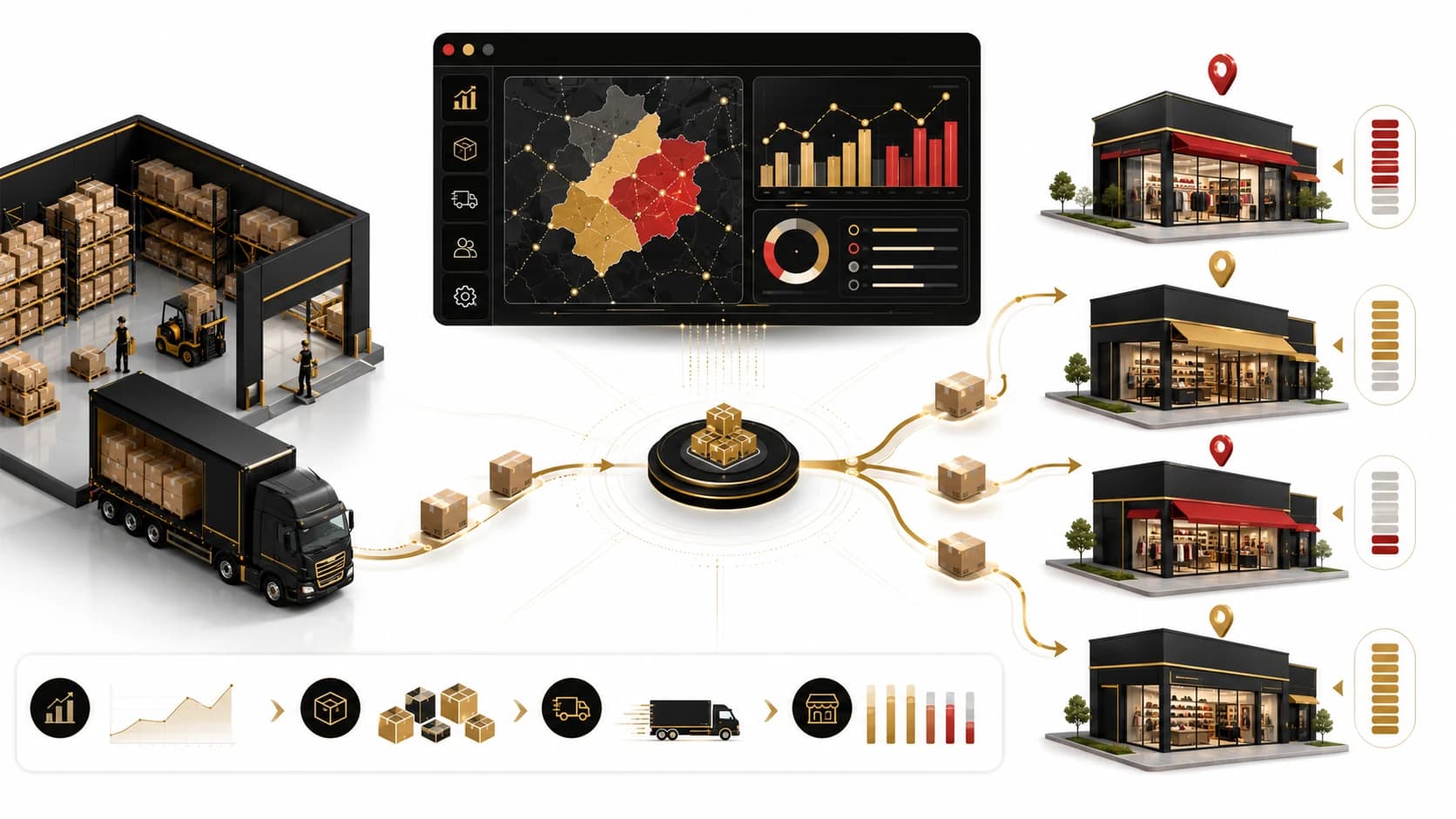
Store allocation
Launch with better size coverage, differentiated inventory depth and fewer manual corrections, while retaining planner control over exceptions.
BenefitLaunch with better size coverage and fewer manual corrections. Planners retain full control over exceptions and inventory overrides.
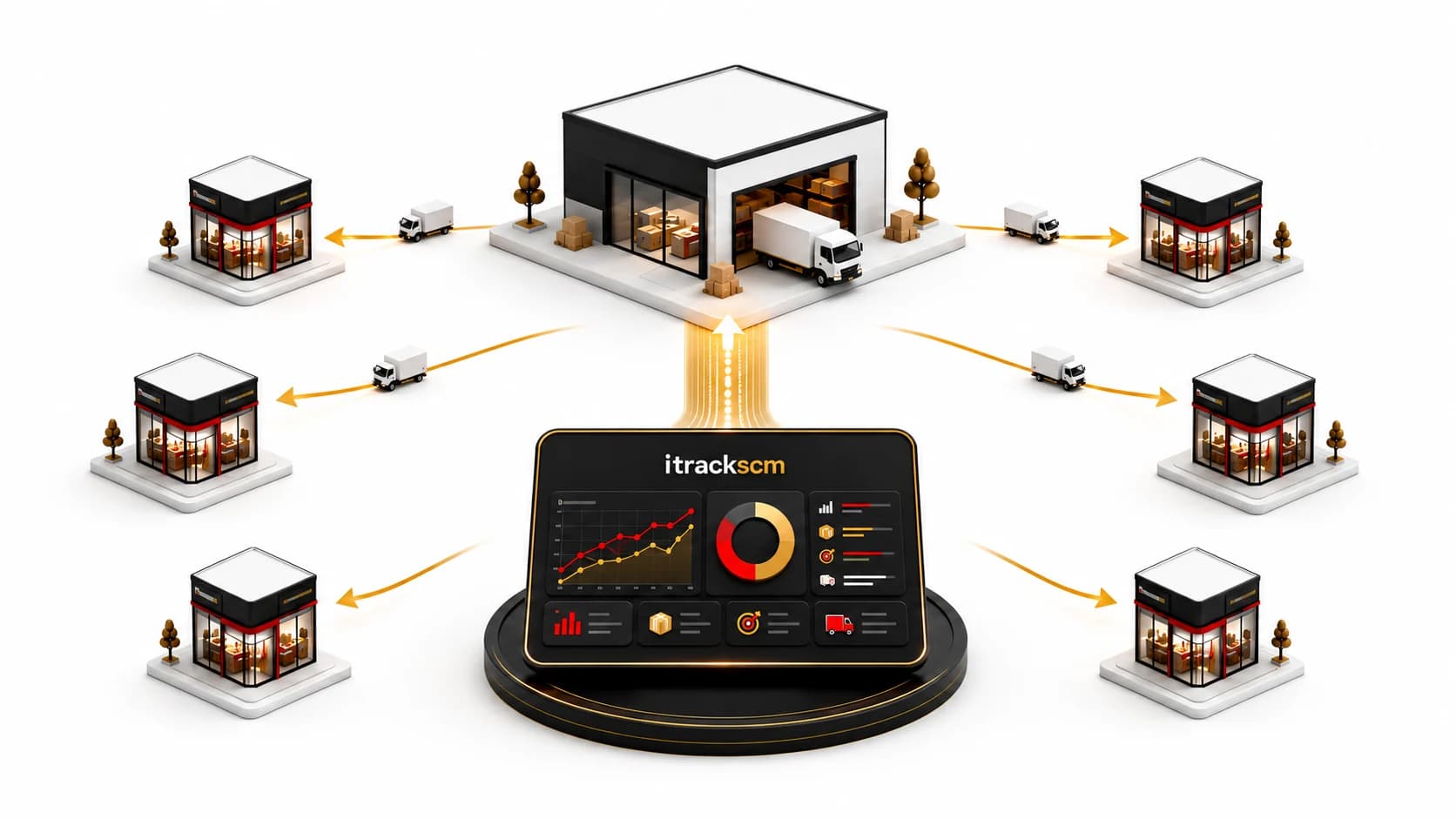
Store replenishment
The replenishment engine converts recent sales, current stock and cover norms into store-level replenishment recommendations.
BenefitRight products in right sizes at right locations in right quantities for maximizing the sales.
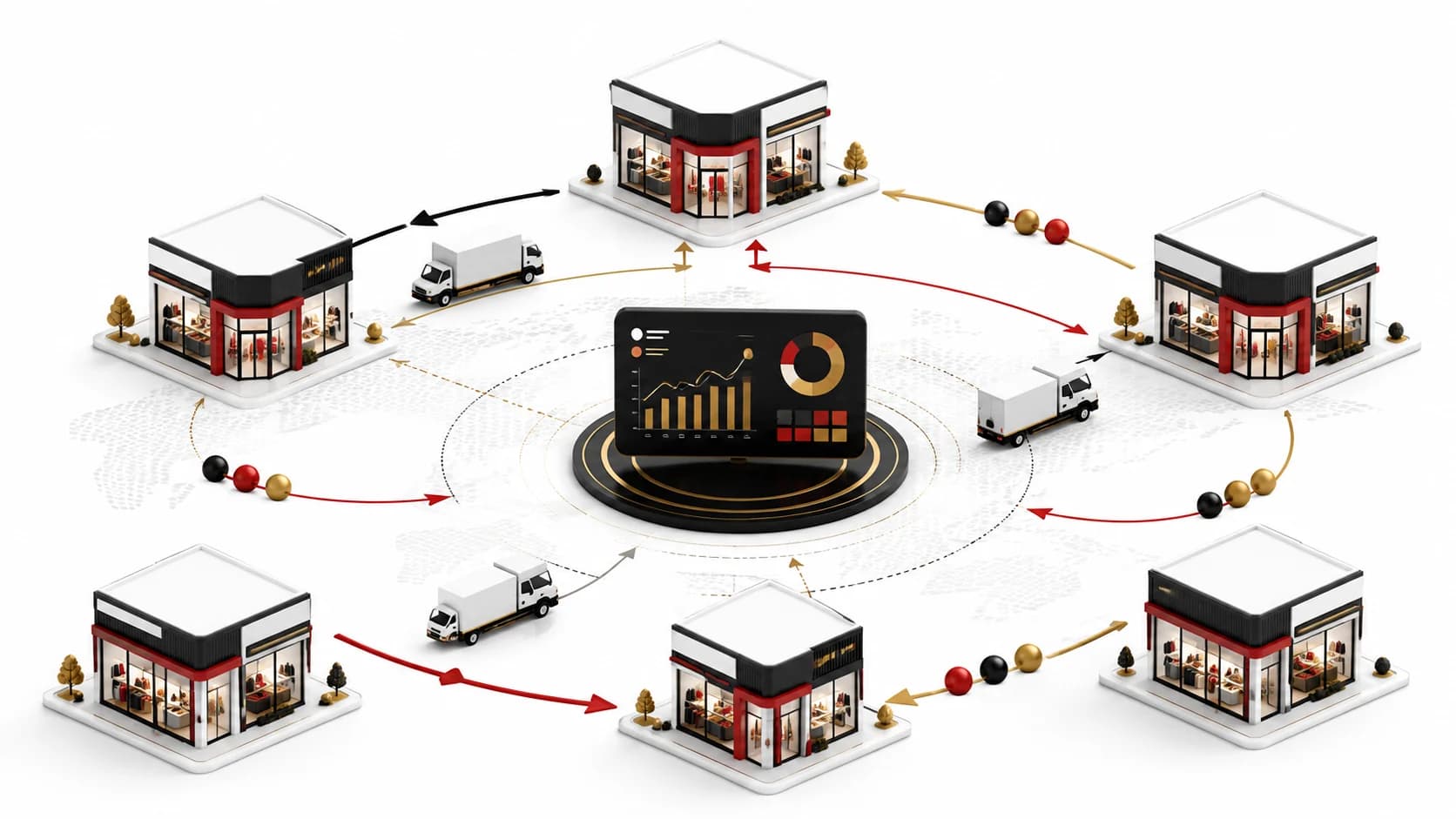
Inter-store transfer
Identifies donor and receiver stores for the same product and size, then recommends transfers based on sales, stock availability and the selected business mode.
BenefitRebalance available inventory to improve full-price sell-through, reduce stock-outs and lower markdown exposure.
Get your sales and inventory data into iTrackSCM. We will showcase how iTrackSCM can turn it into actionable planning decisions.
Book a demo